
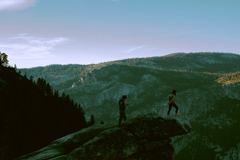
1 / 4
In this pack
- Presets
- 30 · .xmp + .lrtemplate
- Works on these photo files
- RAW, JPG, DNG and TIFF
- Works in
- Lightroom & Camera Raw
- Also in
- The Complete Bundle
Another example
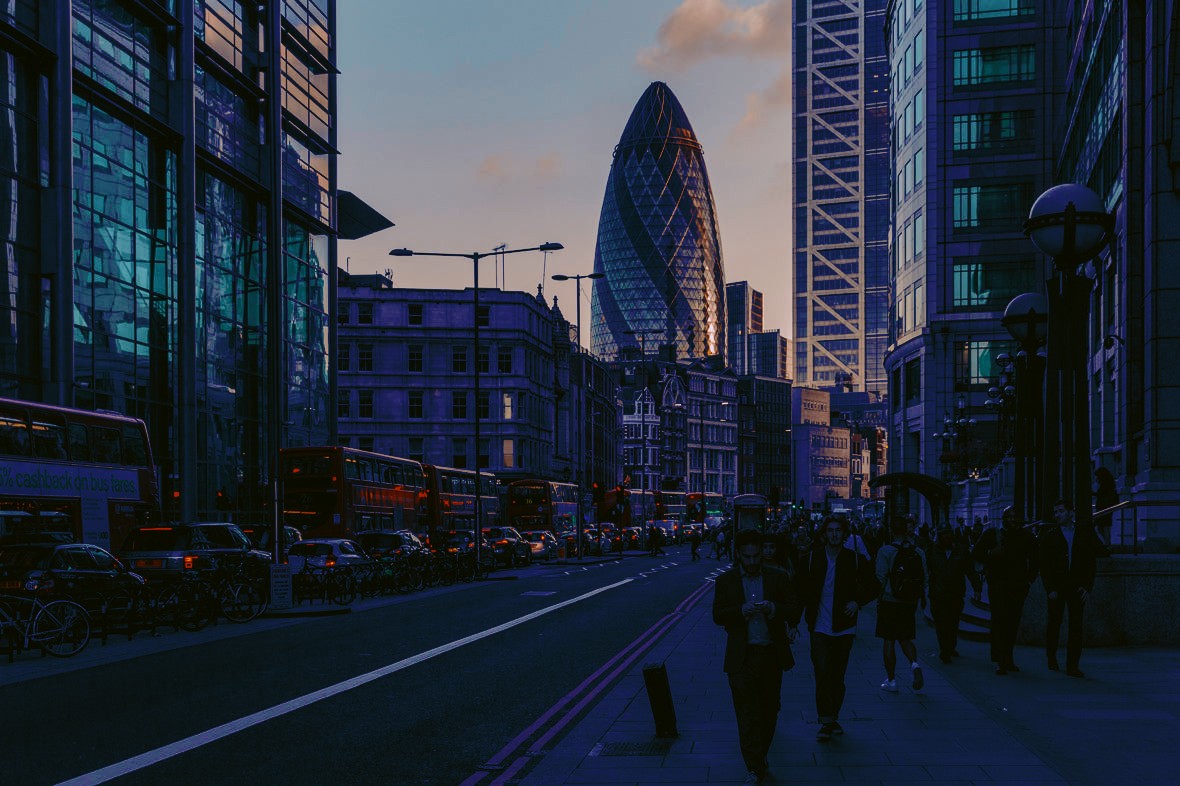
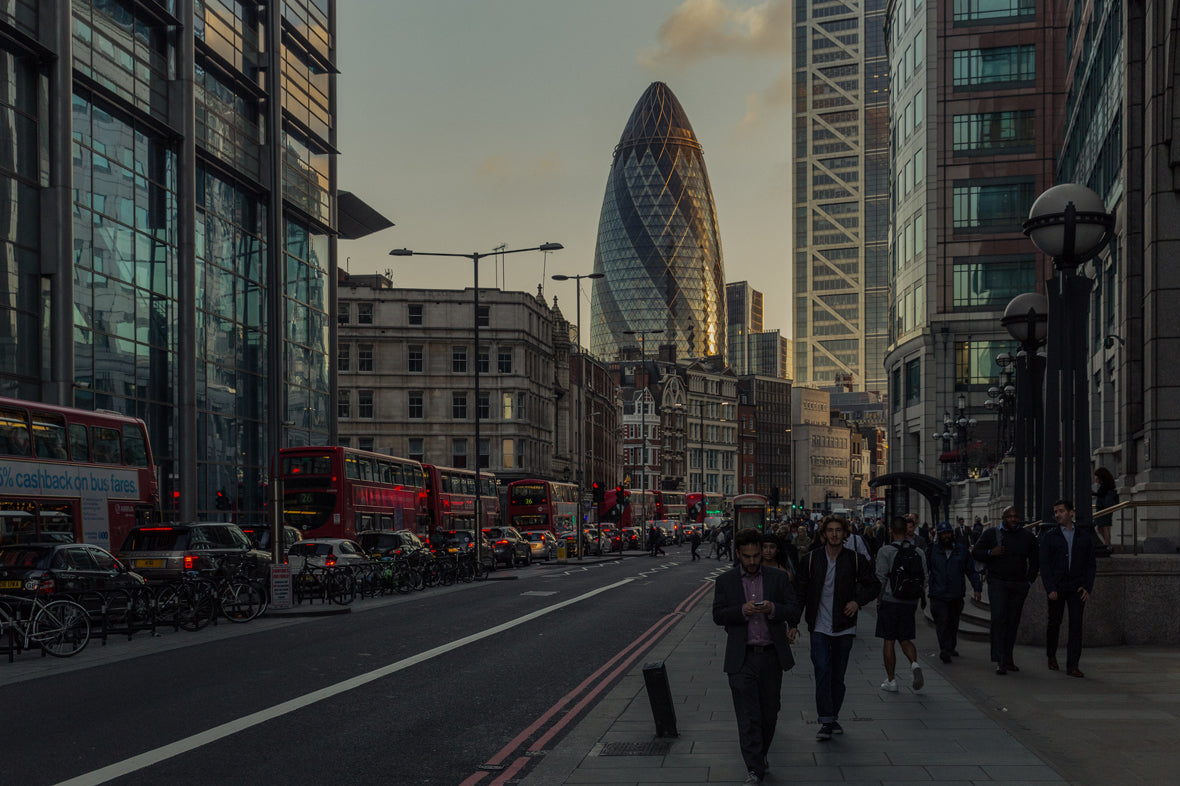
Perfect forVideoShort filmsTravelCinematic stills
Cinematic LUTs
30 Teal & Orange LUTs
30 Teal & Orange LUTs is a set of 30 cinematic .cube LUTs by Dreams & Spark that push teal into the shadows so skin tones stand out, for photo and video apps. $25.50, instant download.
- LUTs
- 30
- download
- Instant
- works in
- Photo + video apps
- LUT format
- 64-point .cube
$25.50 USD
Instant delivery · Installation guaranteed
Our promise
- Instant delivery on the thank-you page and by email, or we send your files personally within 24 hours.
- Installation guaranteed. Stuck installing? Email [email protected] and we'll help you until your presets are working.
Works with
- Lightroom Classic
- Lightroom (desktop)
- Lightroom mobile
- Adobe Camera Raw & Photoshop
LUT format works with
- Luminar Neo
- ON1 Photo RAW
- Photoshop
- Affinity Photo
- Pixelmator Pro
- Final Cut Pro
- Premiere Pro
- DaVinci Resolve
Shoot video too? The LUT edition puts this look on your clips in Premiere Pro, Final Cut Pro and DaVinci Resolve, so your photos and films match.
See it on real photos
Before & after examples
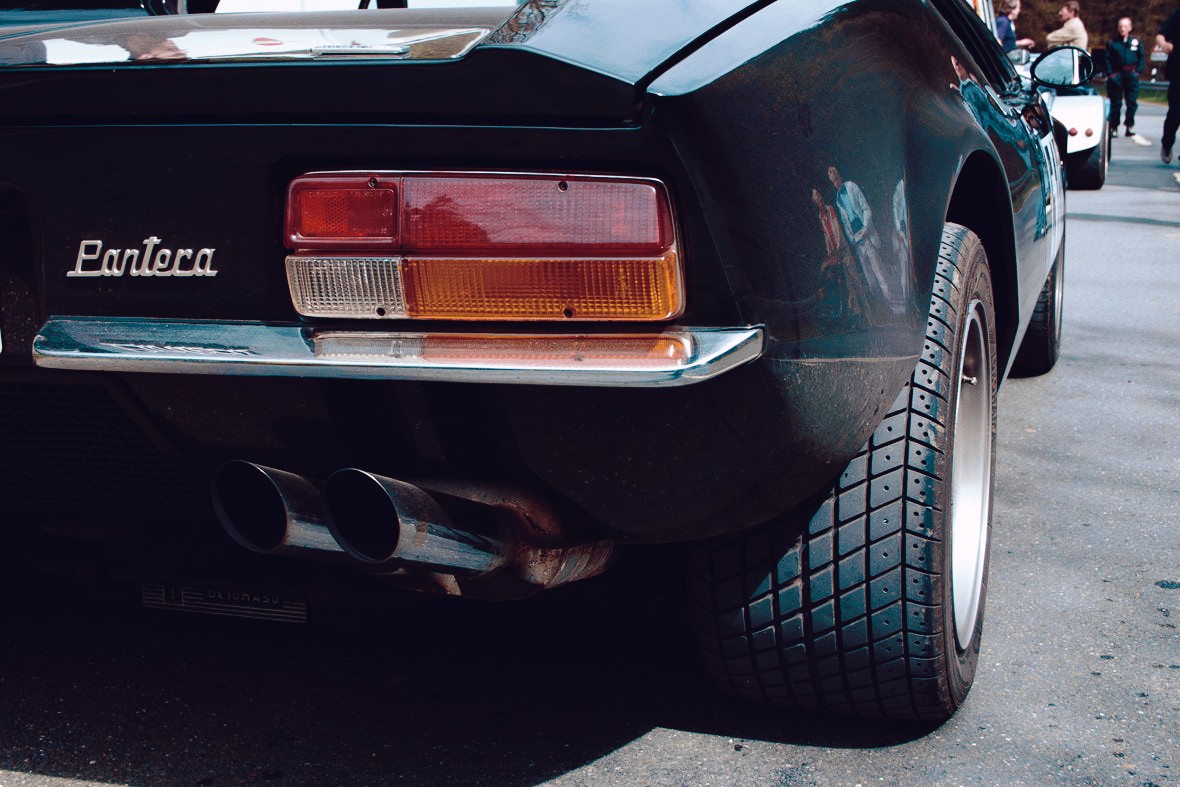
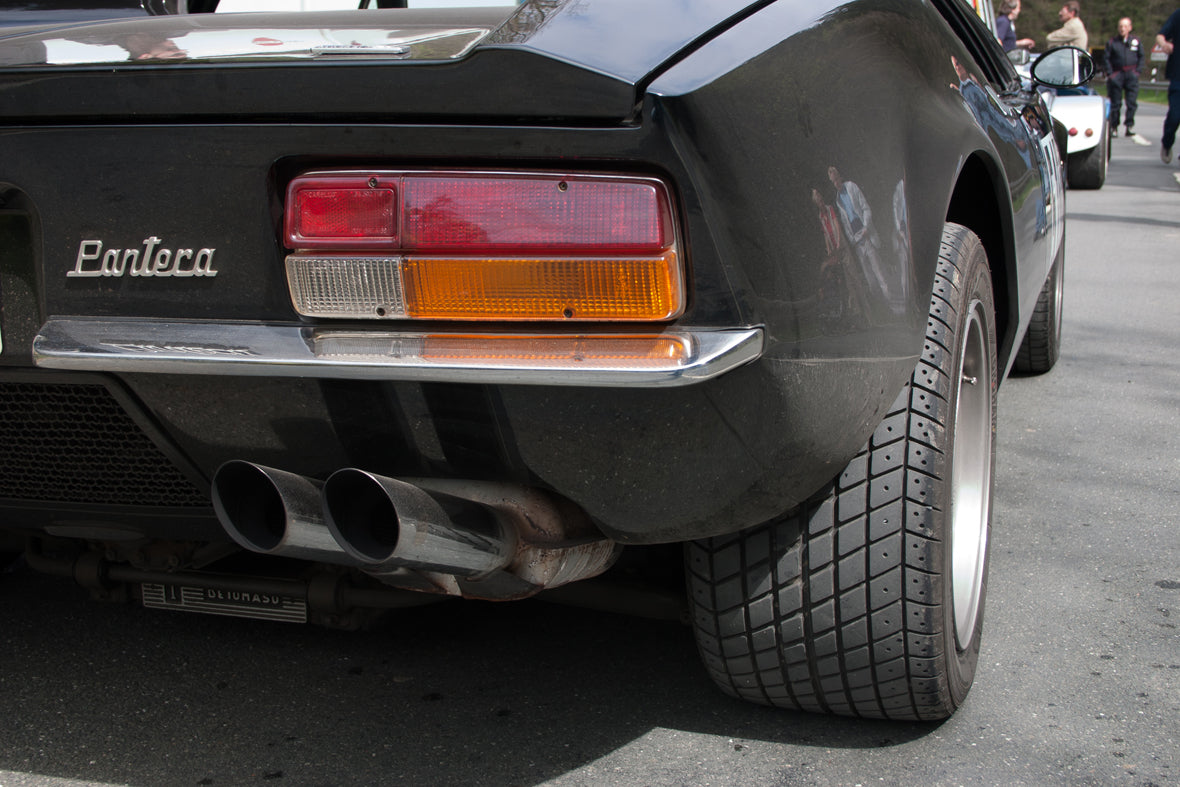
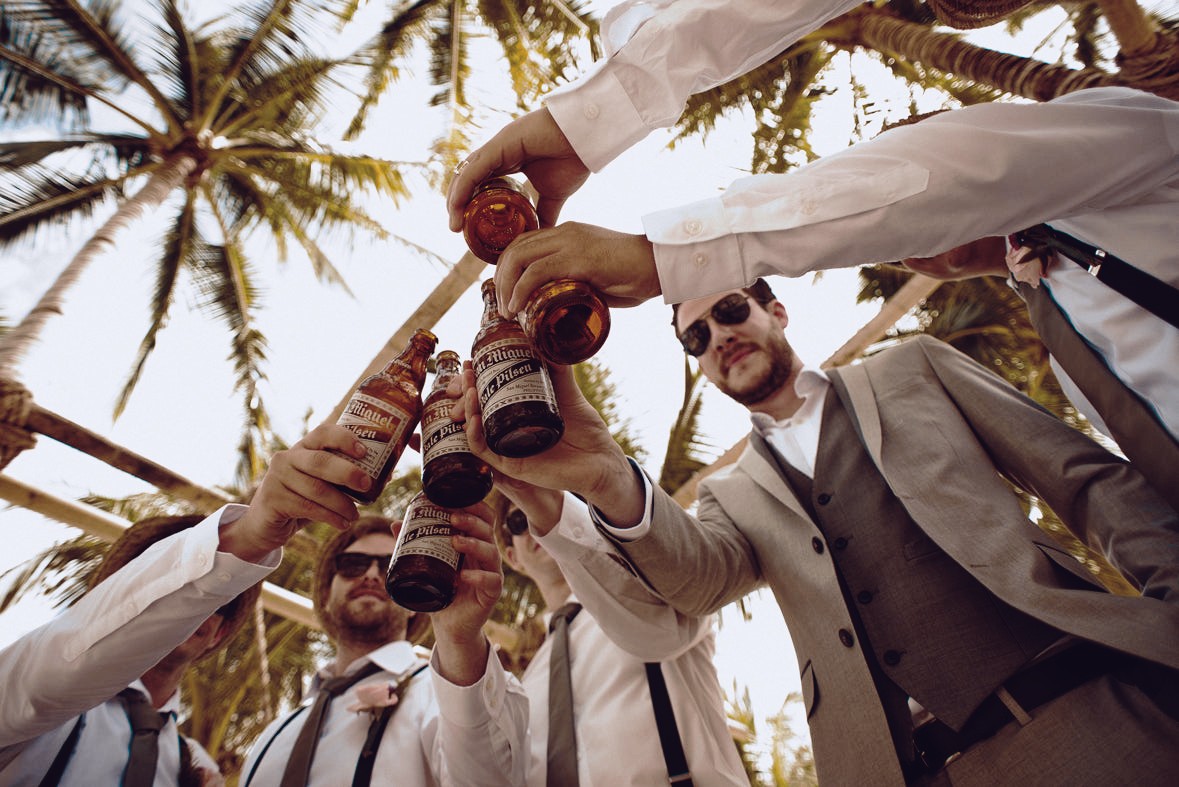
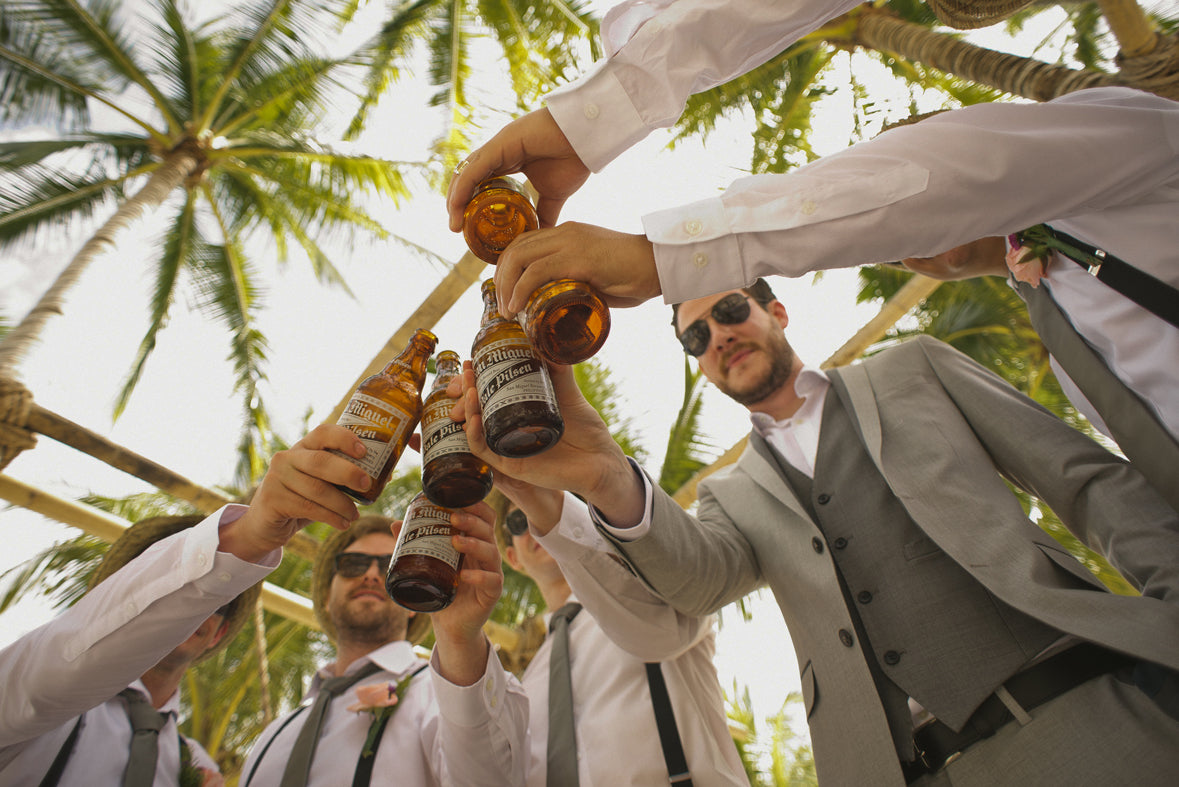
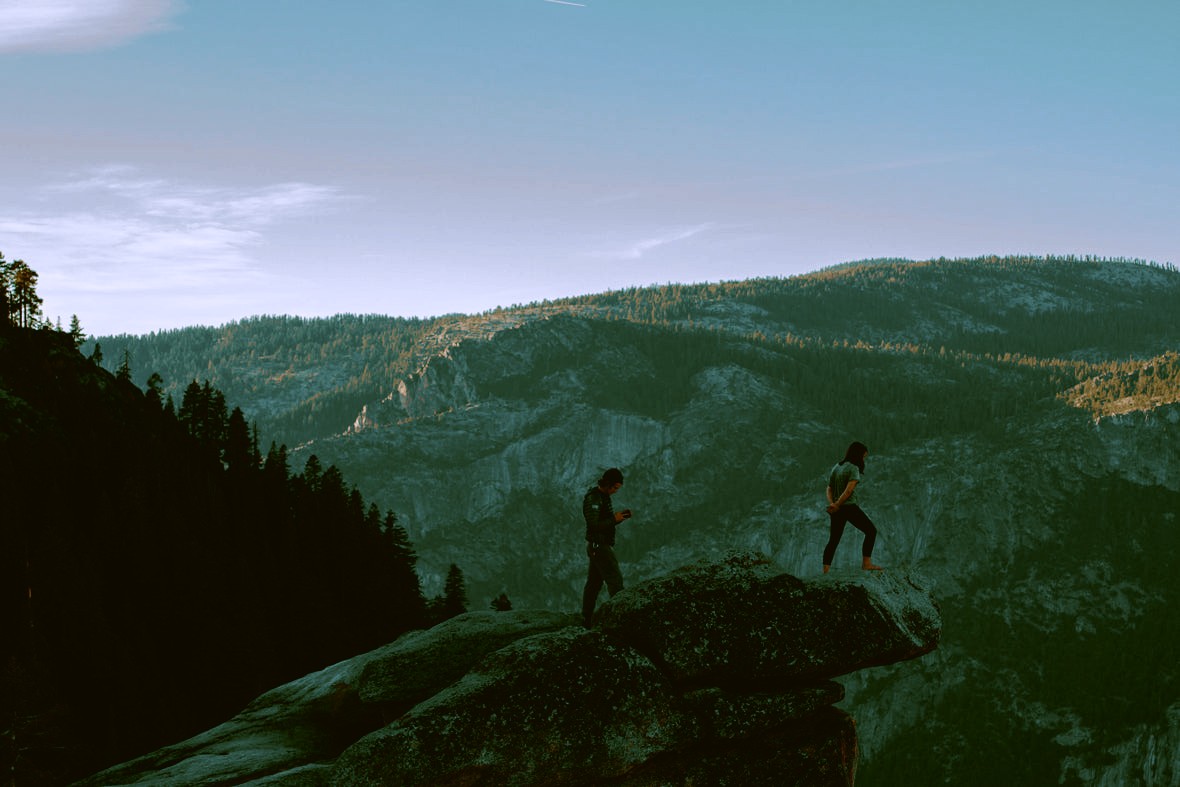
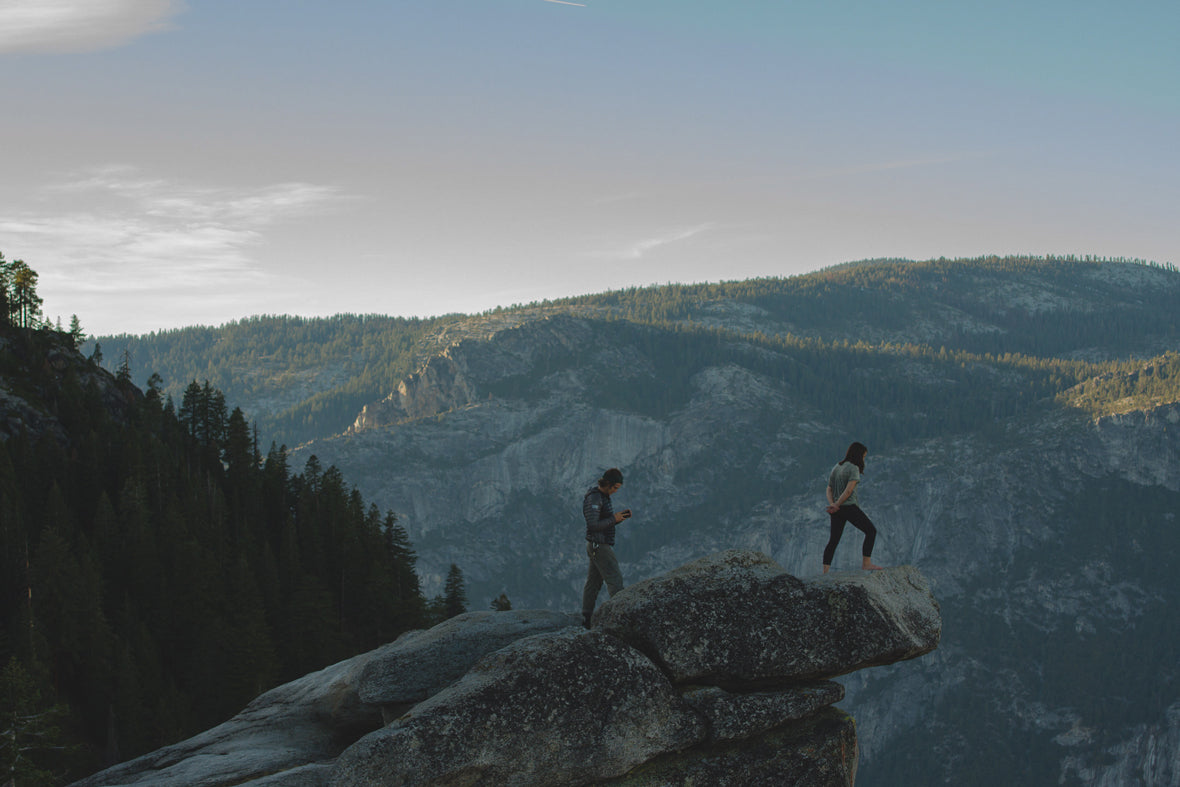
4 examples. Drag across any photo to compare the original with the edit.
More from this pack
The look
Who these presets are for
Teal and orange is the colour grade behind countless films and ads, for a simple reason: skin sits in the orange range, so pushing shadows towards teal makes people stand out from the background with natural-looking contrast.
The pack has 30 variations, from subtle to bold, as 64-point .cube LUTs for Photoshop, Premiere Pro, Final Cut Pro, DaVinci Resolve and any app that reads .cube. Stack two for your own grade. Lightroom can't load LUTs, so this pack has no preset version.
Made for
What's in Teal & Orange (30 presets)
- 30 Lightroom presets as .xmp files (Lightroom Classic, Lightroom desktop & mobile, Camera Raw)
- The same presets as .lrtemplate files (Lightroom 4–6, Classic up to 7.2)
- Installation instructions
Specs & compatibility
| LUTs included | 30 |
|---|---|
| File format | .cube, 64-point |
| Works in | Photoshop, Premiere Pro, Final Cut Pro, DaVinci Resolve, Luminar Neo, Affinity Photo and any app that reads .cube |
| Lightroom | Not supported: Lightroom can't load LUTs |
| Computer | PC and Mac |
| Delivery | Instant download, with instructions |
| License | Use the photos and footage you grade for personal and commercial or client work, royalty-free. The LUTs are licensed to you alone and can't be shared, resold or uploaded. |
| Our promise | Instant delivery · Installation guaranteed |
| Help | [email protected] |
| Price | $25.50 |
| Also in | The Complete Bundle |
Up and running in minutes
How to install Teal & Orange
- 1
Download
Your files arrive on the next screen and by email.
- 2
Import into Lightroom
Follow the steps below. Installation instructions are also in the download.
- 3
Click, then fine-tune
Apply a preset, then adjust exposure and white balance to suit each photo.
Lightroom Classic (7.3 and later)
- Open the Develop module.
- In the Presets panel, click +, then Import Presets…
- Select the .xmp files (or the ZIP) and click Import. Lightroom Classic 15 no longer accepts .lrtemplate files, so always use the .xmp folder.
Lightroom desktop & Lightroom mobile
- Lightroom desktop: open a photo in Edit, click Presets, then ⋯ › Import Presets… and choose the .xmp files. They sync to mobile when you're signed in.
- Lightroom mobile: save the files to your phone, open a photo, tap Presets › Yours › ⋯ › Import Presets, and pick the files.
Adobe Camera Raw
- Open a photo in Camera Raw and go to the Presets panel.
- Open the ⋯ menu, choose Import Profiles & Presets… and select the .xmp files.
Older Lightroom (4, 5, 6, Classic up to 7.2)
Use the .lrtemplate files. Step-by-step instructions are included in the download and in the full install guide. Still stuck? Email [email protected].
From photographers like you
Customer reviews
Loved since 2016
Across the store, customers have left 1,007 ratings since 2016, averaging 4.8★. You can't read what they wrote, because in 2024 Shopify shut down its own Product Reviews app and deleted every written review in it, without sending store owners a copy. The star ratings survived.
Be the first to write a new review of Teal & Orange
Share how it worked for you, ideally with a before/after from a real session.
Reviews come from verified buyers. Bought this pack? Sign in to leave yours.
Stuck installing or downloading? Reviews aren't watched by support. Follow the install guides, or email [email protected] and we'll help until it works.
Frequently asked questions
How many LUTs are in 30 Teal & Orange LUTs?
30 Teal & Orange LUTs contains 30 teal and orange LUTs as 64-point .cube files, with instructions for the most common apps.
Which apps can I use them in?
Any app that loads .cube LUTs: Photoshop, Premiere Pro, Final Cut Pro, DaVinci Resolve, Luminar Neo, Affinity Photo and any app that reads .cube.
Do they work in Lightroom?
No. Lightroom can't load .cube LUTs. For Lightroom, see our preset collections such as Analog Ragnarok.
Can I use them on photos as well as video?
Yes. They work on stills in Photoshop, Affinity and Luminar as well as on footage. For log footage, convert to Rec.709 first, then apply the look.
Can I use them for paid client work?
Yes. Photos and footage you grade can be used for personal and commercial or client work, royalty-free. The LUTs themselves are licensed to one purchaser and can't be shared, resold or uploaded.
What if I lose my download?
Email [email protected] with your order details and we'll re-issue the files.
Can I get a refund?
Because these are digital downloads, all sales are final. If your download doesn't arrive or you can't get the LUTs working, email [email protected] and we'll make sure you're up and running.
More questions? Email [email protected] or use our contact page.
Related Lightroom presets
 Or get everythingThe Complete Lightroom Presets Bundle1,668 presets across 49 collections, including Teal & Orange · $149



30 Teal & Orange LUTs
$25.50 USD
Instant download · Lightroom Classic, desktop & mobile · Camera Raw · 30 presets
Teal & Orange · Presets$25.50